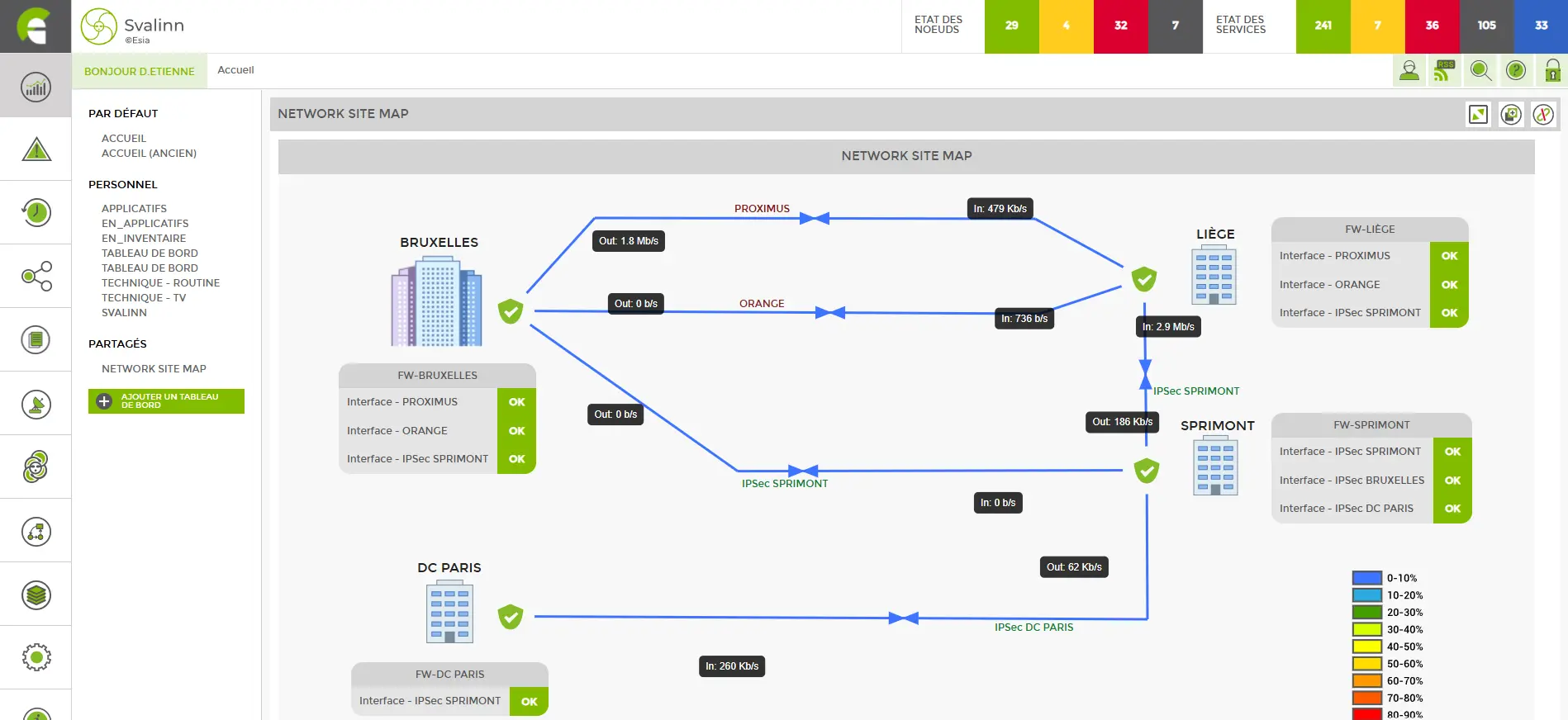
Create your dashboards with ESIA.
With ESIA, it's the user who chooses what information to display in the dashboards and what form it should take. You can create, share and duplicate as many dashboards as you like.
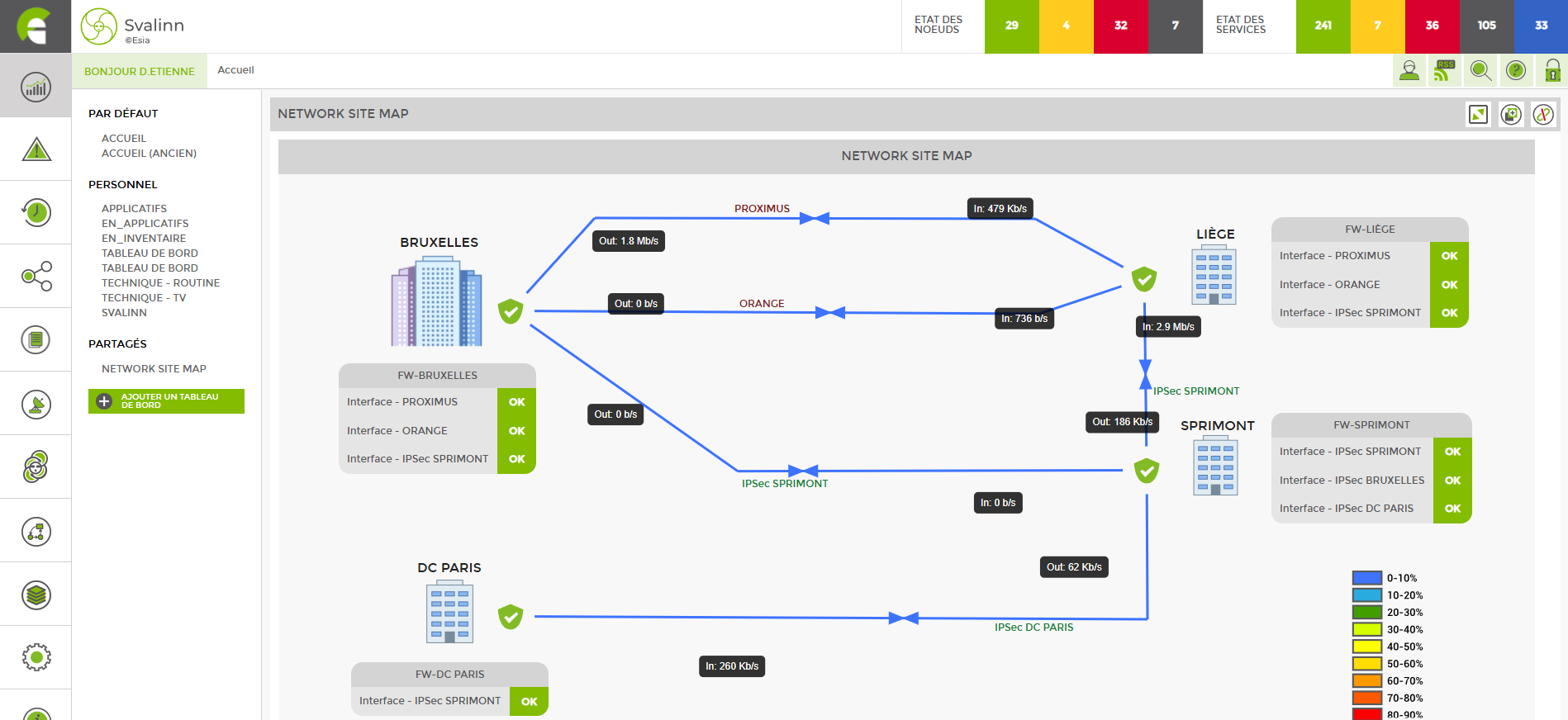

Create your workspace
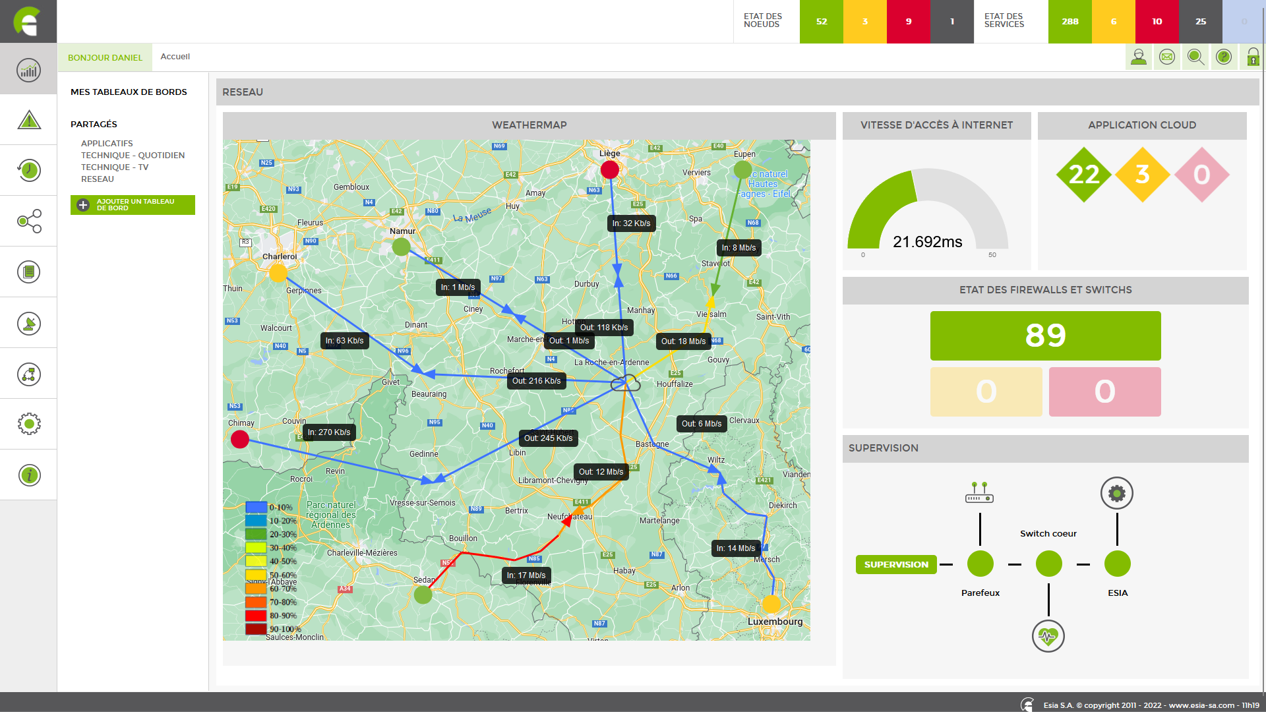
The shape, size and nature of the information are defined according to your needs. The number of possibilities available does not allow us to be exhaustive in our examples of dashboards, as everyone is free to create their own supervision environment within an ESIA interface.
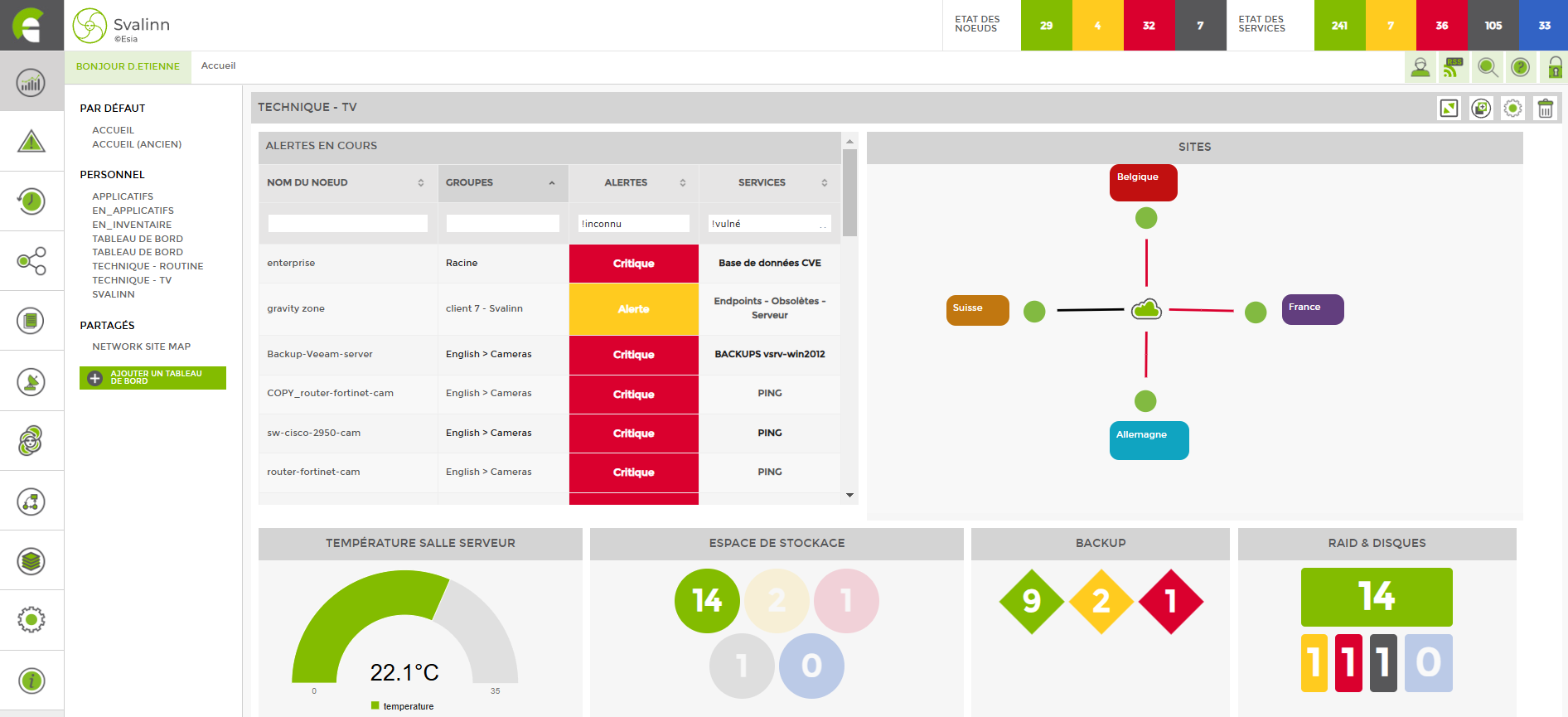
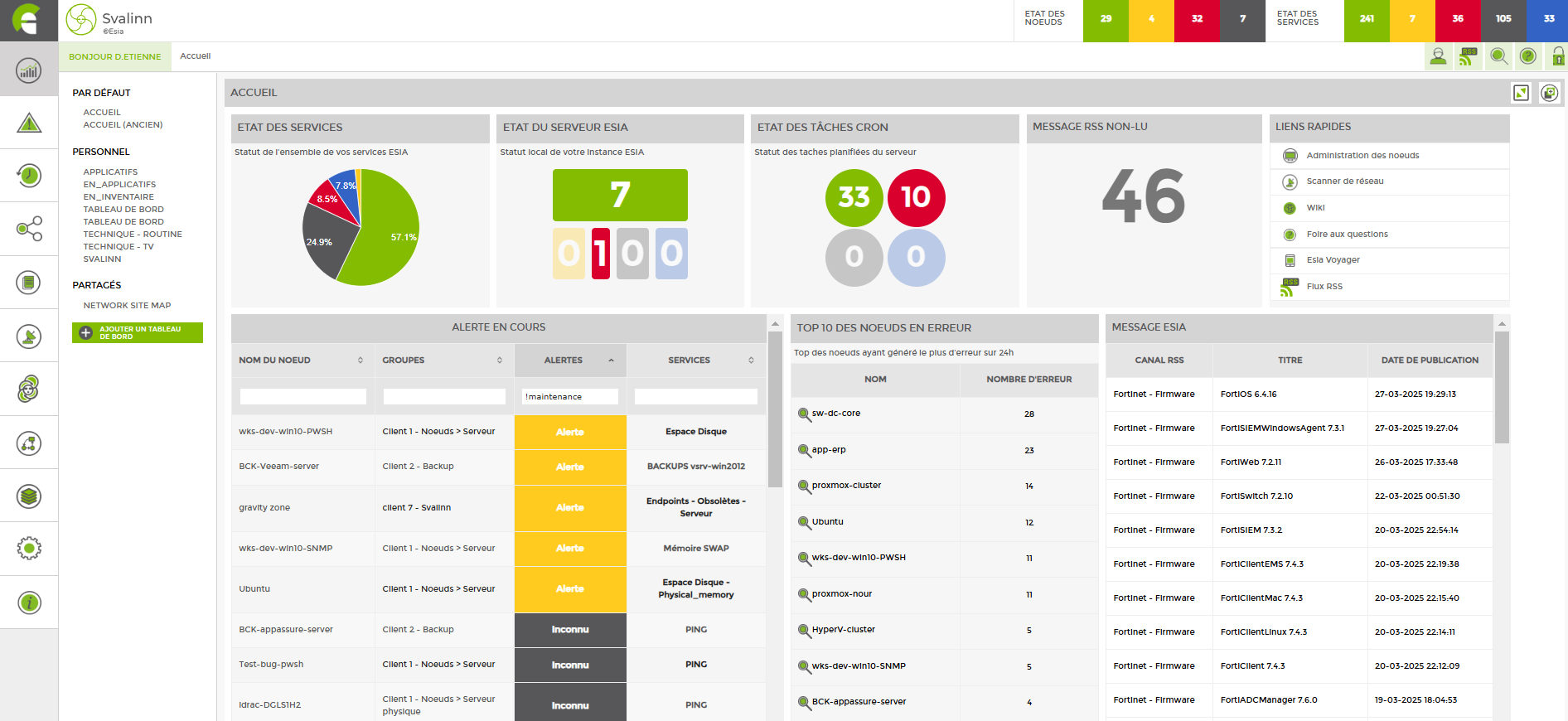
Centraliser vos alertes
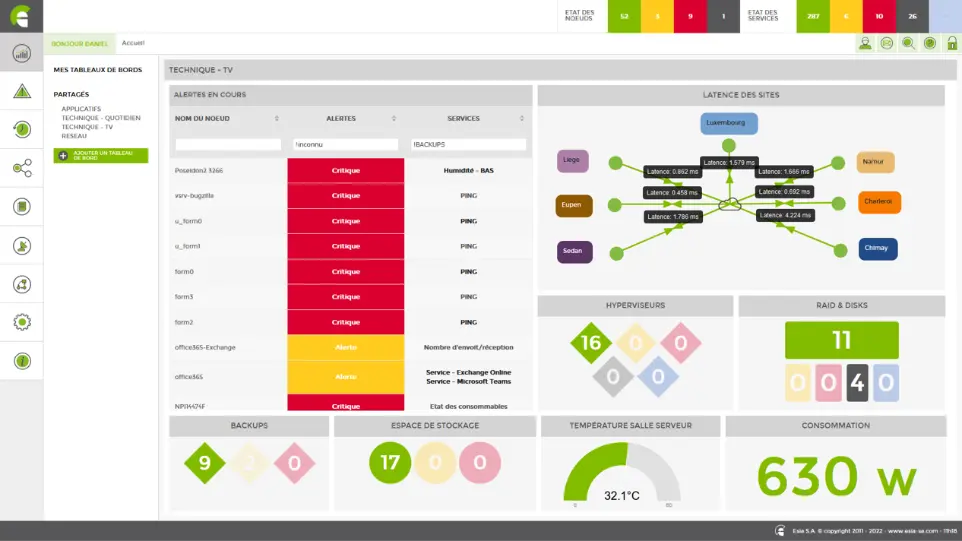
Any supervised parameter can be included in a dashboard in a configured widget or aggregated within a set of data from a group of supervised systems, services, hardware, etc.
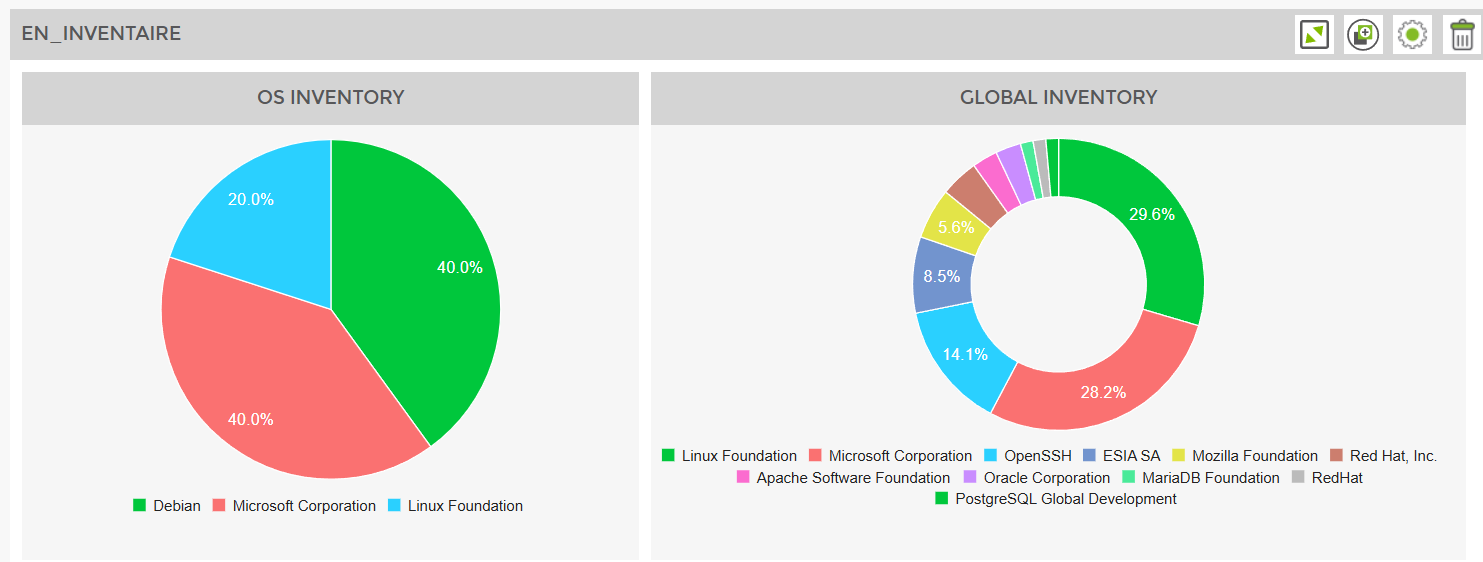
For example, you can have the OS inventory or the representation of applications within your entire infrastructure in two blocks.
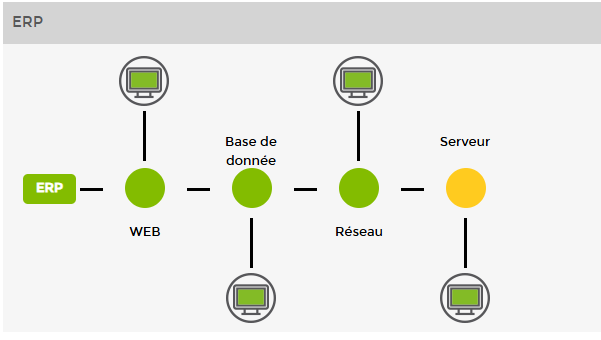
Chaîne applicative et matériel
Or a chain of assets and services aggregated according to your needs, enabling you to define the essential points for the smooth running of your ERP system
Cybersecurity
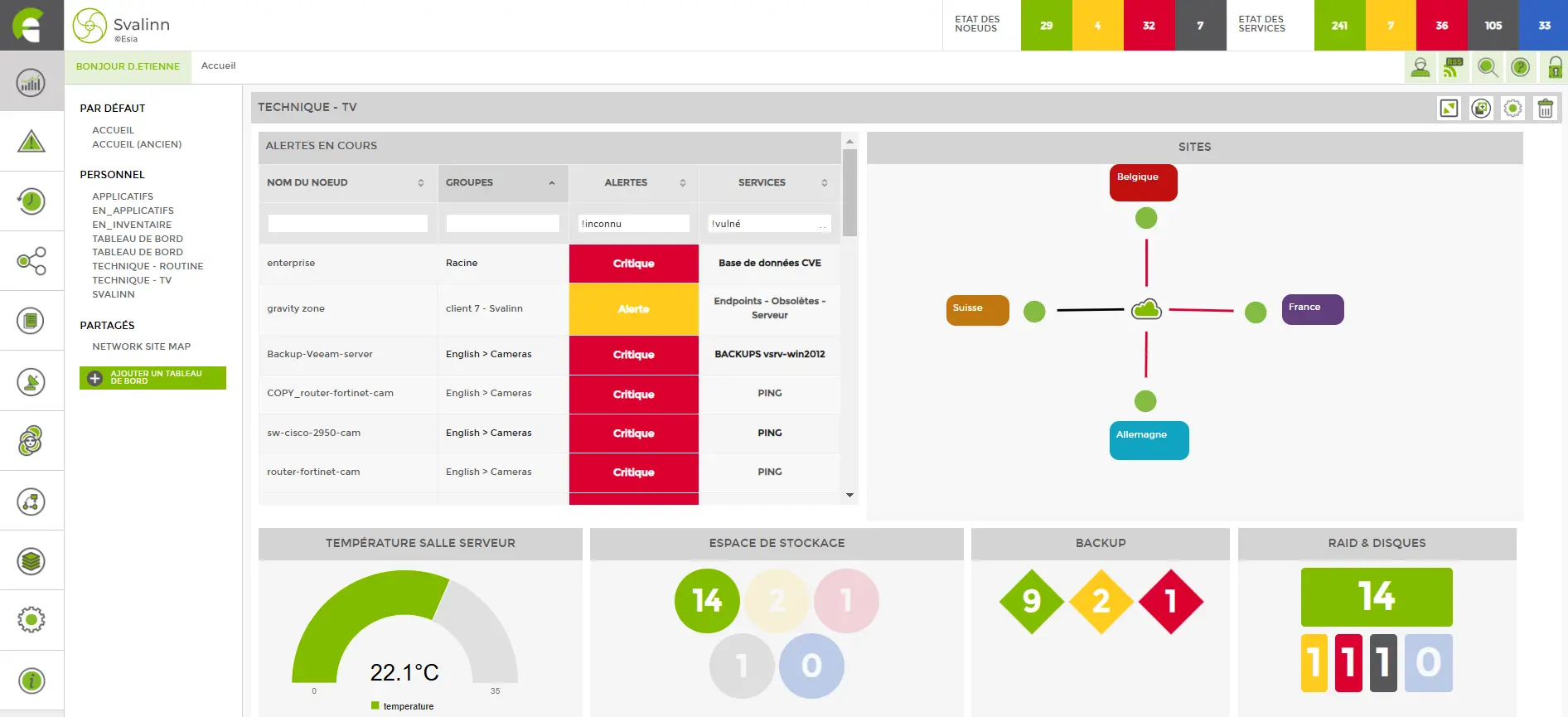
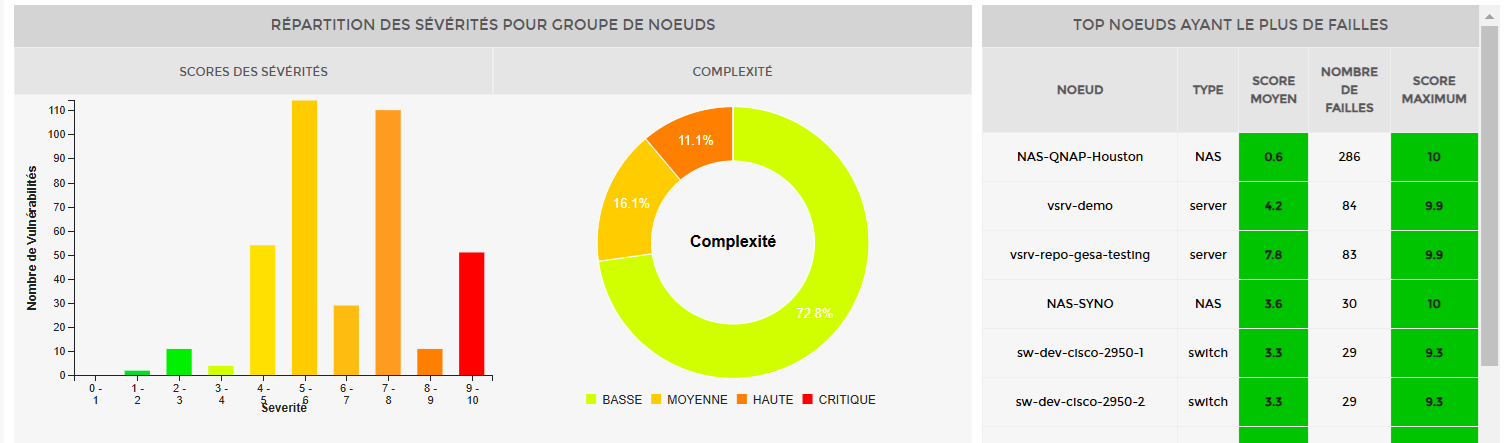
The cybersecurity aspect is also present in our dashboards, here the presence and severity of vulnerabilities (CVEs) present on a system integrated into two of our dashboard widgets.
Create a dashboard in just a few minutes! Define a name and description, share it with other users, manage the rights of the users concerned and start integrating the information that's important to you.
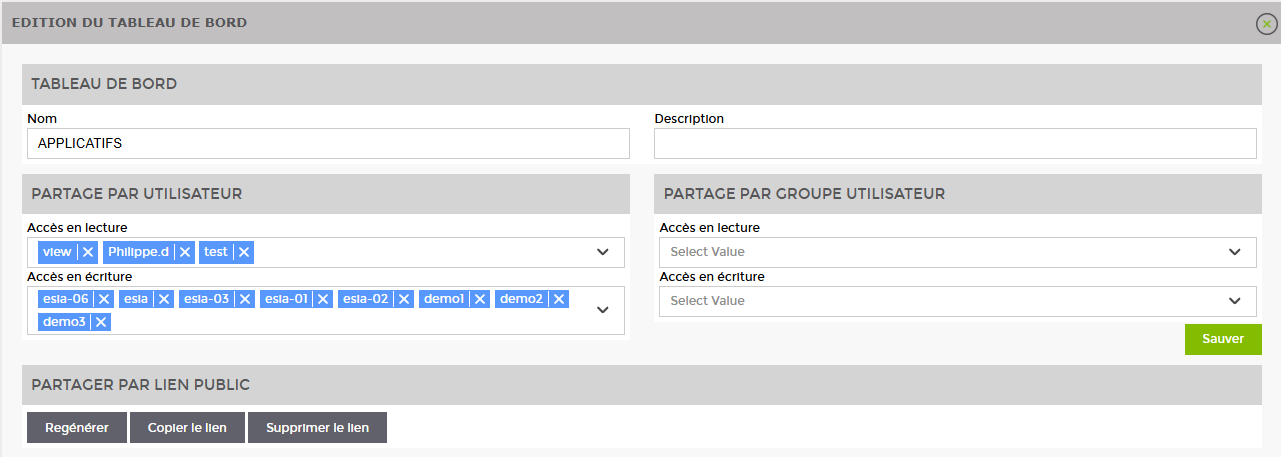
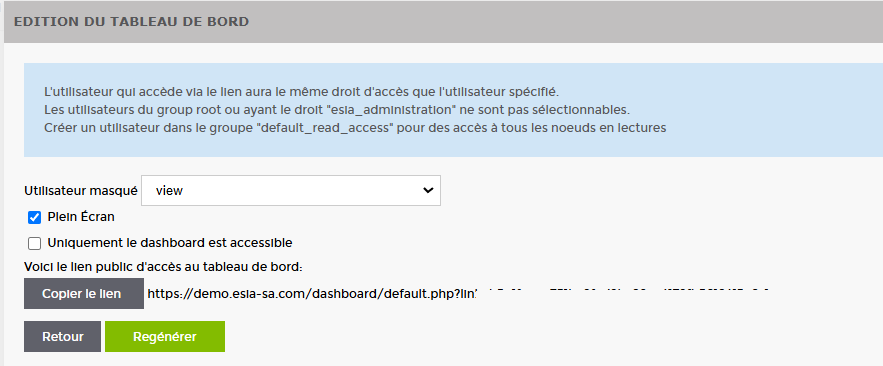
Share your dashboards
Display your dashboards on consoles or large screens such as SOCs, so that your technical team can benefit from a global and evolving view in real time.
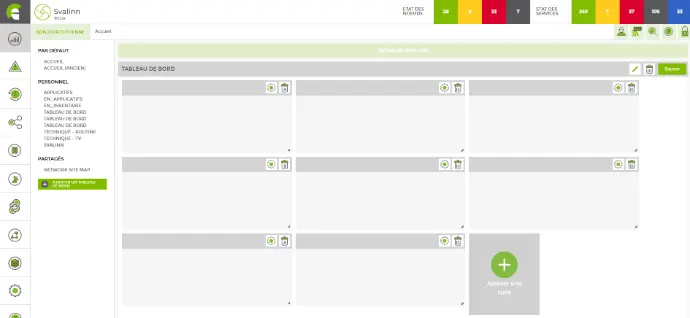
Add as many blocks as you need to your dashboard.
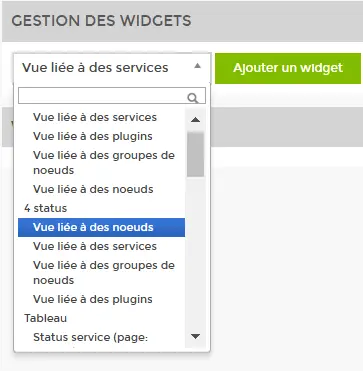
Choose the type of view you want from a pre-configured list of widgets.
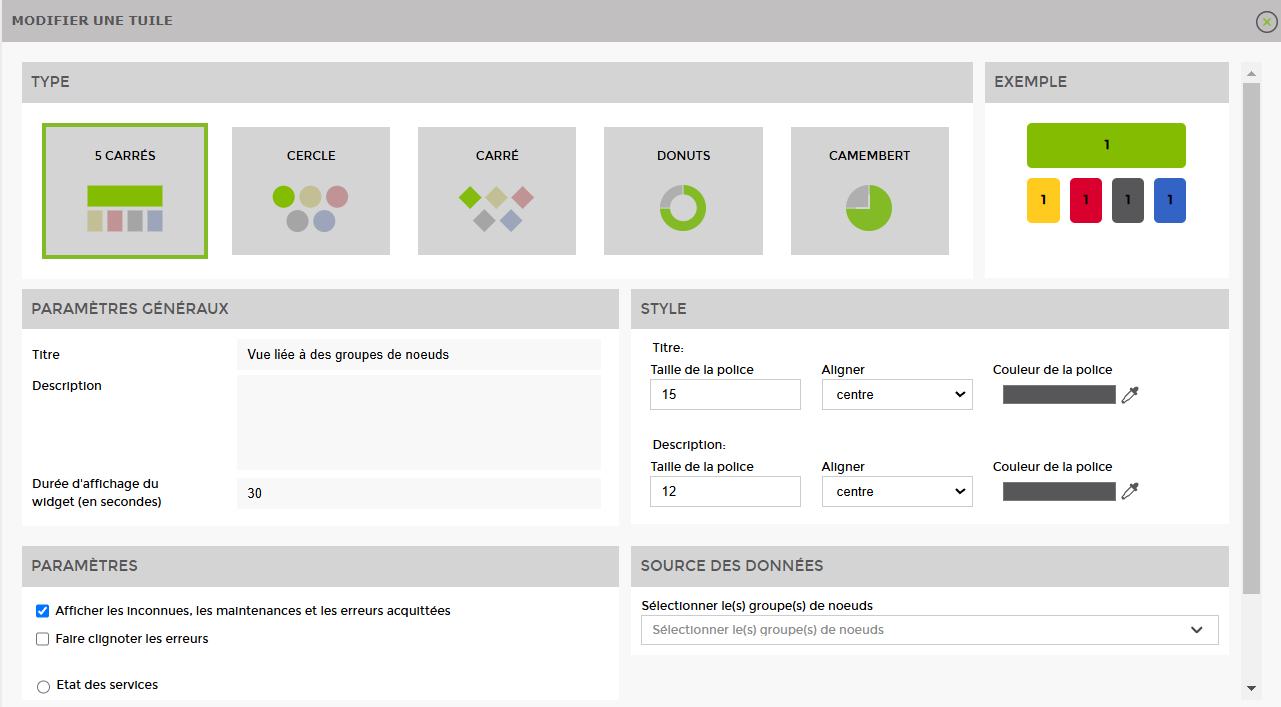
Many of our widgets allow you to customise their shape, colours and specific parameters.